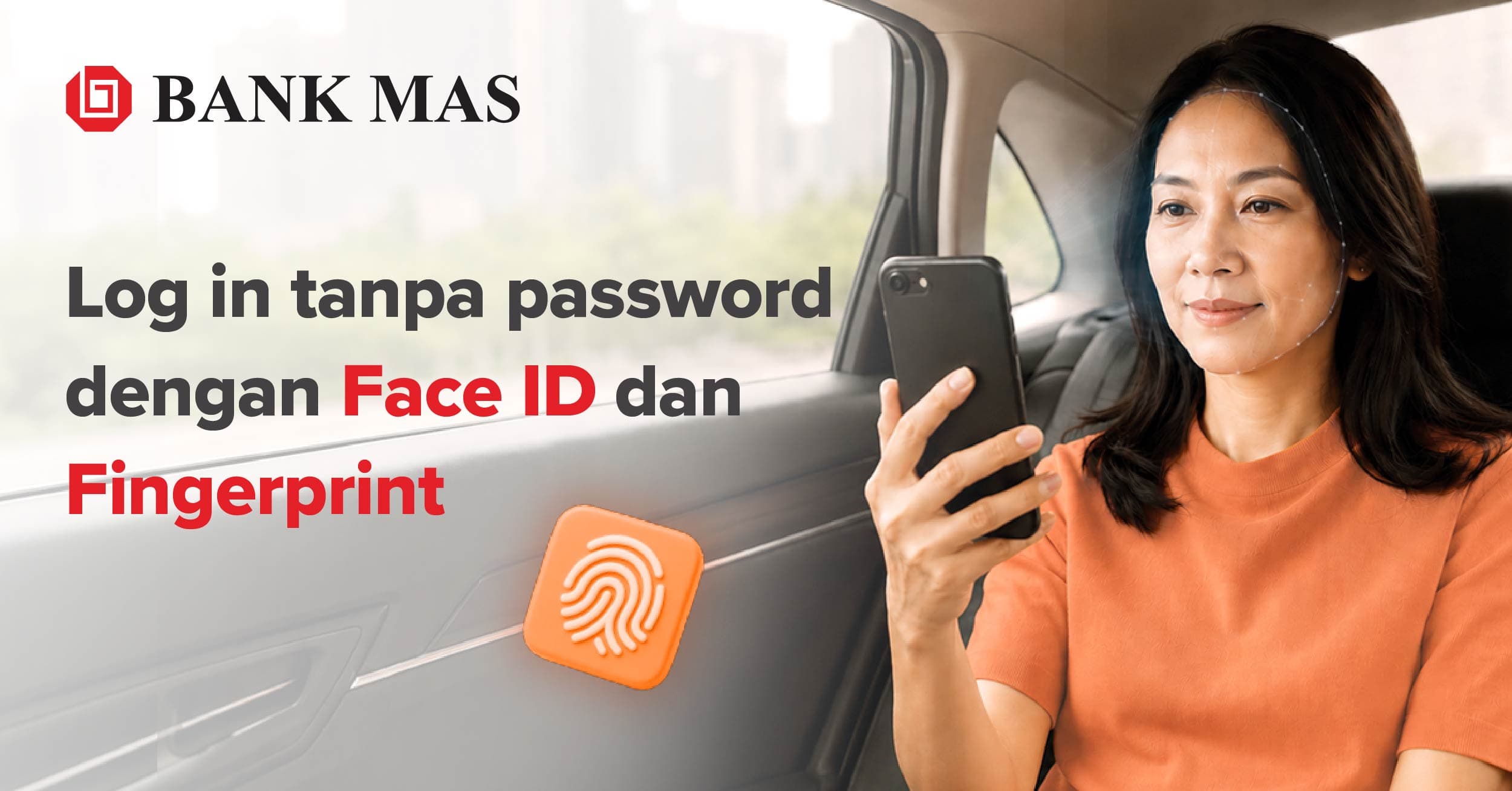
Immediately activate your biometric authentication on Bebas by Bank MAS app!
What is biometric authentication?
Biometrics is a way someone can use to identify the truth based on unique and specific data that has been previously verified.
Meanwhile, biometric authentication is a process of comparing or comparing a person's character or form to a biometric system that determines or verifies the similarity and similarity between the verified data and the person using it.
Advantages of biometric authentication over pins and passwords
There are several advantages if you activate the biometric authentication feature on your Bebas by Bank MAS account. Some of the advantages include the following:
1. Make authentication and verification processes more effective
Previously, if you wanted to enter the Bebas by Bank MAS application, you needed a username and password. With this biometric authentication, you no longer have to go through this process.
This is because biometric authentication will later carry out direct verification on a massive scale by scanning faces and other biometric factors such as fingerprints.
2. Easier access
After activating biometrics, logging in to Bebas by Bank MAS becomes easier. You only need to press the biometric button, and the application will scan your face or fingerprint to enter the Bebas by Bank MAS application. By relying on previously verified input data. Users no longer need to install other additional applications or special training in using these biometrics because access is effortless and straightforward.
Because it differs from other authentication, which requires various verification processes such as passwords or QR, Bebas by Bank MAS users who activate Biometric authentication can only access the application using physical characteristics previously verified.
3. More secure access
Of course, biometrics are unique for each user. By activating biometrics, your account becomes more secure because fingerprints or facial scans can only read biometric data you have previously verified, so entering the Bebas by Bank MAS application is more secure.
4. Full authority of the user in maintaining access to Bebas by Bank MAS
Another advantage of using Bebas by Bank MAS biometric authentication is single access that the user completely owns. Because with biometric authentication, no other person or party can enter or access your Bebas by Bank MAS application. This can happen because biometric authentication on Bebas by Bank MAS requires the user's physical presence in front of the user's scanner or cellphone.
How to activate biometric authentication on Bebas By Bank MAS
- Make sure you've updated the Bebas by Bank MAS app to the latest version.
- Open the Bebas by Bank MAS app.
- Enter your Bebas by Bank MAS account password.
- Press the Login menu on the screen.
- Select the Account menu.
- Click the Login with Biometrics menu.
- Enter your Bebas by Bank MAS account password, then click Verify.
- Confirm your biometrics using your fingerprint/face.
- Biometric authentication was successful.
- Recheck your biometric authentication in your Bebas by Bank MAS app.